Lacrosse 26: Visual Presentation and Stadium Experience
A visual and technical update focused on stadium atmosphere, lighting, replay cameras, uniforms, customization, and broadcast-style match presentation.
Overview
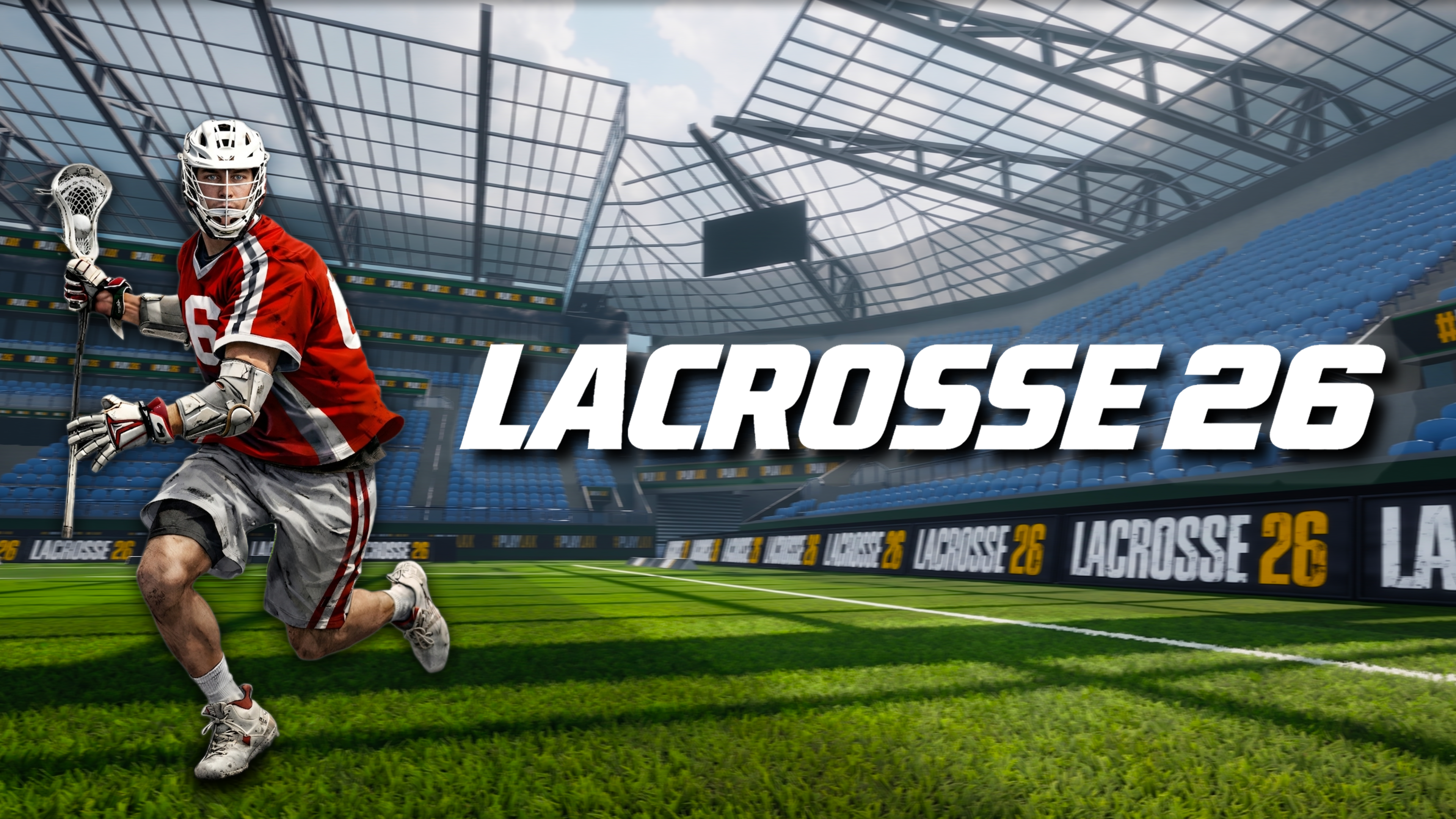
The work focused on improving the overall visual presentation, stadium atmosphere, replay experience, customization, and broadcast feel of Lacrosse 26. The goal was to help the match-day experience feel more cohesive while respecting the existing game direction and production constraints.
Stadium and Environment Improvements
Lighting work was completed across multiple stadium scenes to create stronger presentation and more consistent readability. The update also improved grass visuals, added environmental props, refined fencing and field surroundings, and brought additional polish to the areas that frame active play.
Uniform Presentation
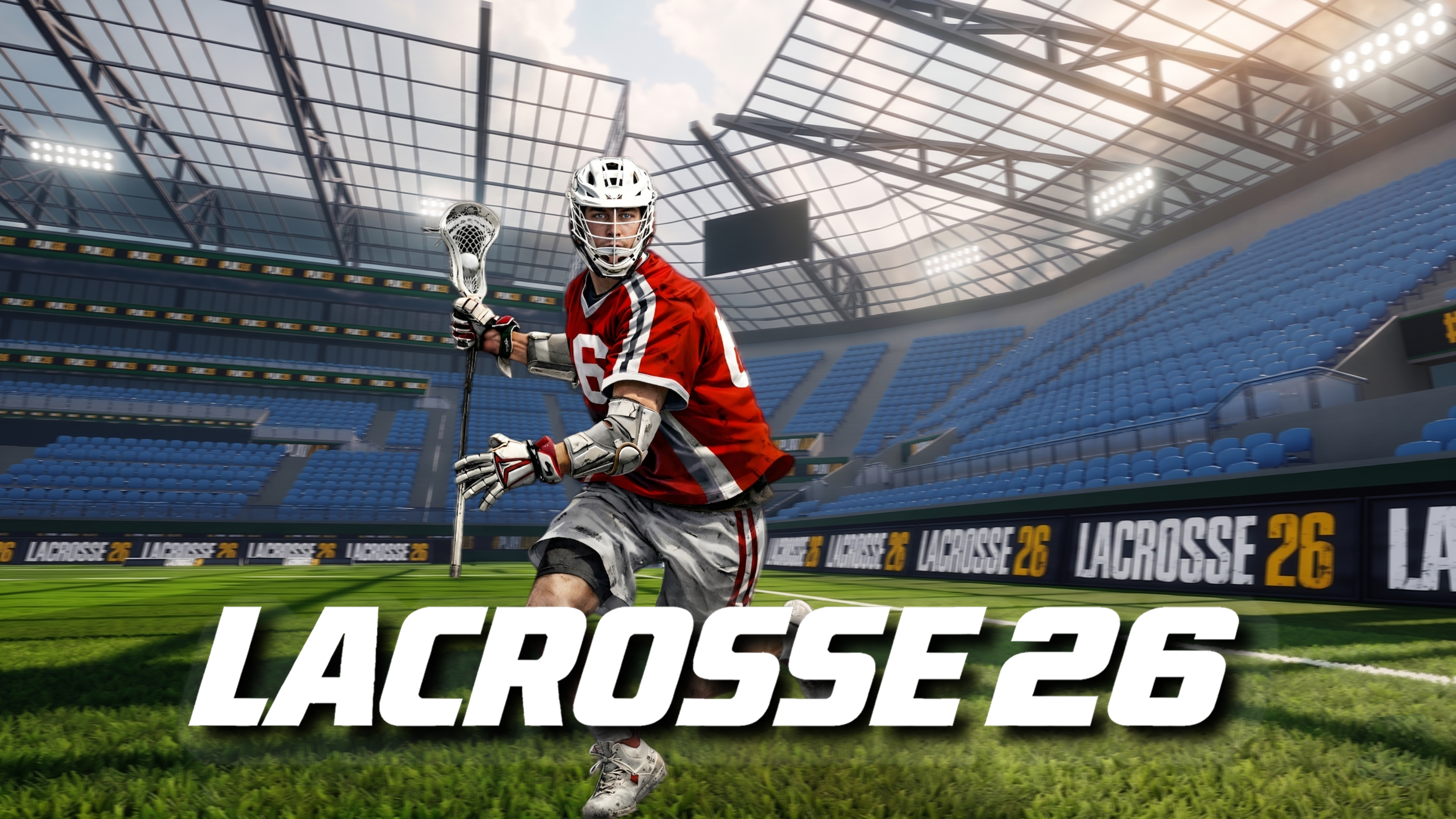
Uniform visuals were improved through cleaner number rendering and a custom cloth shader that added more natural fabric movement. These changes helped player presentation feel sharper during gameplay, replay review, and broadcast-style camera moments.
Replay and Camera Experience
The instant replay system was expanded with more flexible camera controls, allowing players to review match moments from more cinematic perspectives. The camera work supported a stronger sense of scale and gave the replay experience more freedom without changing the core sports flow.
Broadcast-Style Presentation
Animated stadium displays were improved to support a more active arena environment. A live jumbotron system connected to the active gameplay camera helped reinforce the broadcast-style match presentation and made stadiums feel more responsive to play.
Customization and Settings
New visual customization features were integrated into the existing settings system with keyboard and controller support. The work kept presentation options accessible through the game's established interaction patterns.
Technical Implementation
Implementation work included Unity HDRP lighting, shaders, materials, Cinemachine, RenderTextures, UI integration, runtime visual systems, and technical art support. The work connected visual polish with practical Unity systems so the presentation improvements could function inside active gameplay.
Result
The update created a more polished, cohesive, and broadcast-inspired match-day experience. Stadiums feel fuller, uniforms look cleaner, replay controls offer more freedom, and the overall presentation better supports the atmosphere of a modern sports game.
Role
Game Design, Technical Art, Lighting, Camera Systems, Shader Development, UI Integration, and Stadium Presentation.